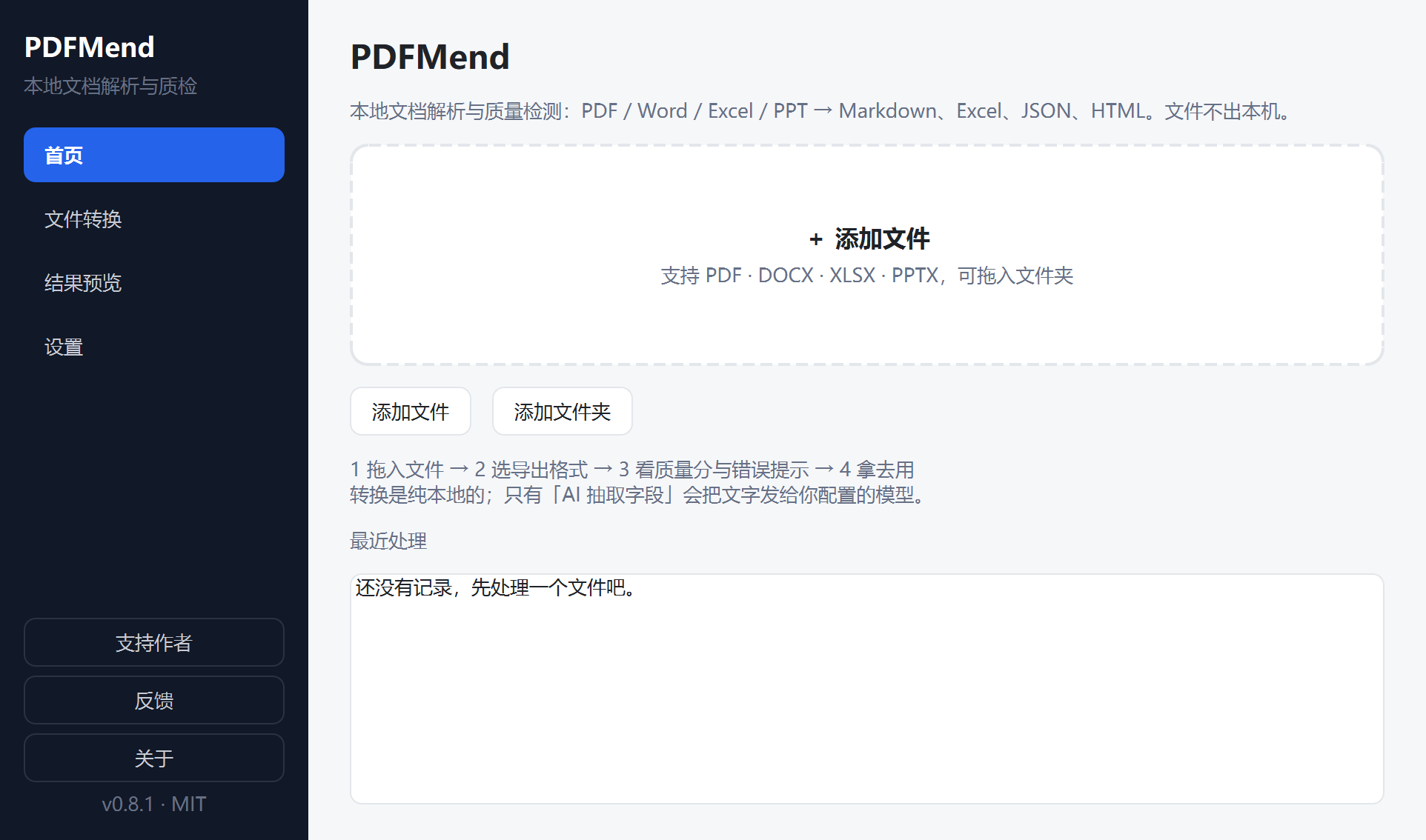
PDF to Markdown — and it tells you where it broke.
Tables don't collapse, Chinese is handled first-class, and files never leave your machine. Every table gets a confidence value, the whole document gets a quality score —
85 or above means use it as-is, below 60 it flags for review — instead of handing you a file that looks fine and quietly doesn't add up.
Portable · unzip and run88.9 MB · Windows x64No admin rights neededv0.8.1 · 2026-11-25
PDFMend 0.8.1 — local document parsing & QA
Real UI · no demo dataFiles stay local
Files stay localConversion is fully offline — nothing is uploaded
157 tests passingThe full suite runs before every build
MIT open sourceSource, tests and samples are all in the repo
Nothing lockedNo trial period, no export watermark
Not another PDF converter
Other tools hand you text. This one hands you a judgement.
LLMs already turn clean PDFs into text well enough. What actually goes wrong is tables, two-column layouts, headers and footers, tables continued across pages — and files that "convert fine" until you reconcile the numbers and find three rows missing.
01 / TABLES
Tables stay tables
Tables take a dedicated pipeline and rows and columns are rebuilt from glyph coordinates. Two-level headers merge into "Current period / Debit" instead of being flattened into a paragraph or padded with empty columns that skew every number.
Sample 8×6 · confidence 0.97
02 / HONESTY
It says when it's wrong
Every table gets a confidence value; scanned pages, garbled pages and suspected merged cells are called out. Score ≥85 use as-is, ≥60 spot-check, below 60 is marked "review by hand".
85+ use as-is · 60+ spot-check
03 / MESSY PDF
Awkward layouts are the point
Borderless tables, two-column body text, headers and footers repeated on every page, a table split by a page break — handled by geometry and statistics, not by asking a model to guess, so every step can be explained and tested.
5 samples · every one gets a verdict
Reproducible tests
Five deliberately nasty samples, measured.
These PDFs are generated by examples/make_demo.py and make_messy.py in the repo; the commands and assertions ship with them. The scores below aren't marketing numbers — the program computes them.
Scroll the table sideways →
Sample file
What it tests
Score
Verdict
demo_statement.pdf
Two-level header P&L
99
Use as-is
messy_borderless.pdf
Borderless table
100
Use as-is
messy_twocol.pdf
Two-column clauses
94
Use as-is
messy_continued.pdf
Table continued across pages + repeated header
100
Use as-is
messy_headfoot.pdf
Header/footer + synthetic scanned page
82
Spot-check
The 82 isn't a failure. Pages 2 / 4 / 6 are deliberately built as scans with no text layer; the program reports "this page has no text layer" instead of emitting an empty file and pretending it worked. The OCR extension can read those pages.
One PDF produces Markdown, Excel, a JSON report and printable HTML at the same time. Tables land in their own sheet, the quality score and per-table confidence go into JSON, and anything questionable is highlighted in the HTML.
Markdown: headings, paragraphs, lists, clauses, tables — straight into your knowledge base
Excel: one sheet per table, numbers stay numbers
JSON report: quality score, table confidence, warning reasons — easy to automate on
HTML: shareable with colleagues, nothing to install
Real output, trimmed — the sample is a Chinese-language P&L; the quality card and the table rows are verbatim, page titles and notes are omitted.
Download
PDFMend 0.8.1 Windows x64 · portable
One zip. Unzip it to get a PDFMend folder, then double-click PDFMend.exe inside. No service to install, no admin rights; delete the folder when you're done.
On first run Windows SmartScreen may say "Unknown publisher" — click "More info → Run anyway". There's no code-signing certificate, so that prompt is expected; the source is available if you'd rather build it yourself.
01Unzip
02Open the folder
03Double-click the exe
Support & feedback
Free, but not cost-free.
PDFMend is MIT open source with no feature gates: no trial period, no export watermark, and you don't lose a page for not paying. If it genuinely saved you time you can buy the author a coffee — and not donating has zero effect on the app.
WeChat scan · any amount
Donations are entirely voluntary and unlock nothing.
Email the author directly. Include the original file (redacted is fine), the .report.json next to it, and one sentence on what you expected — it makes the fix much faster.
Also welcome: feature requests, reports of a PDF that converted badly, and uploads of your nastiest sample files. Source and issues live at github.com/epoches/pdfmend.
FAQ
Common questions
Do my files get uploaded?
No. Conversion, quality checks and export all happen locally and need no network. Only if you actively use "AI field extraction" is the document text sent to the model provider you configured yourself.
How is this different from markitdown?
markitdown aims to "turn it into text"; PDFMend aims to "produce output you'd dare to reconcile". On the same two-level-header P&L: markitdown adds empty columns, shifts the first column right and gets the row count wrong; PDFMend keeps all 6 columns and merges the header. For scans it says "no text layer" instead of returning an empty string.
Can it handle scanned / image-only PDFs?
Not out of the box — the standard build has no OCR. Pages without a text layer are reported honestly rather than faked. Install the pdfmend[ocr] extra (PaddleOCR + OpenCV) and pass --ocr auto.
What's this "registration code"? Is it DRM?
No. It's a thank-you reminder: an unregistered copy nudges you to donate once every 5 files, and stops after registration. Every feature works unregistered; the source is MIT, so two lines would bypass it — that's written in the README.
Does it run on macOS / Linux?
The conversion engine is Python, so pip install pdfmend gives you the CLI on macOS and Linux. The desktop shell is currently only packaged for Windows.
How is the quality score computed?
Six weighted dimensions: text completeness 20, tables 20, structure 20, reading order 15, fields 15, OCR 10. Long paragraphs, list bullets with no list structure, "Article X" with no clause structure, and untitled multi-page documents all cost points. The score is a hint, not a guarantee — which is why 60+ still means spot-check.