Turn PDFs into
Markdown and Excel
…and it tells you where it broke
For clean, well-behaved layouts, any converter will do. PDFMend is built for the awkward ones: tables glued together with spaces, two-column body text, headers and footers repeated on every page, tables cut in half by a page break. Tables go through a dedicated table pipeline, each one gets a confidence value, and the whole file gets a 0–100 quality score. Fully local — nothing is uploaded.
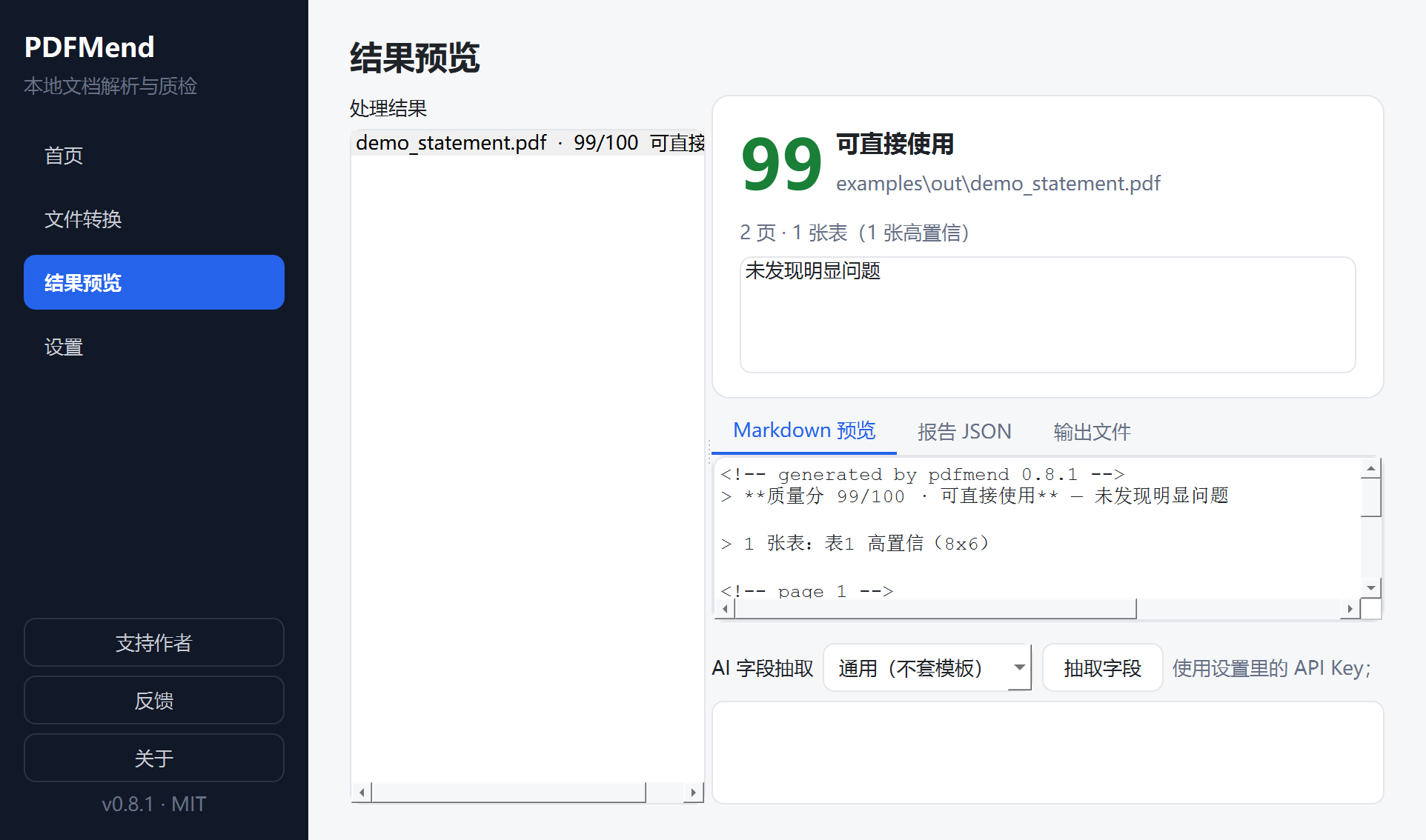
One score per file: ≥85 use as-is, 60–85 spot-check, <60 review by hand.
A PDF has no tables — only lines and glyph coordinates
"Convert to Excel" really means guessing: from lines, from character spacing. Guessing wrong is normal. What's not normal is that most tools guess wrong and never tell you — columns collapse into one, three empty columns appear, everything shifts right, and you only notice after you already pasted it somewhere. PDFMend makes "how good was the guess" something you can check.
Tables stay tables
Not flattened into text. Two-level headers merge into Current period / Debit instead of becoming two rows of data; tables that continue across pages are marked continued and written as "pages 1–2" in the Markdown.
A confidence value per table
Scanned pages, garbled text and suspected merged cells are flagged individually. The whole file gets one 0–100 score across six dimensions: text completeness, tables, structure, reading order, fields, OCR.
Scans don't bluff
No text layer? It says "page N has no text layer" instead of handing you an empty .md that looks like success. Whatever it can't handle (vertical text, stamps over text, handwriting) gets reported, not guessed.
Six deliberately nasty samples, measured
All six are generated by examples/make_messy.py. One command: pdfmend convert examples/out/*.pdf -f json. The scores aren't hard-coded — the program computes them.
| Sample (examples/out) | What it tests | Result | Score |
|---|---|---|---|
| demo_statement.pdf | Chinese P&L, two-level header | 8 rows × 6 cols, confidence 0.97 | 99 |
| messy_borderless.pdf | No table borders at all | 6 × 4, confidence 0.99 | 100 |
| messy_continued.pdf | Table split across pages | 6 × 3, confidence 0.99 | 100 |
| messy_twocol.pdf | Two-column body text | Reading order correct, not interleaved | 94 |
| messy_headfoot.pdf | Header/footer on every page + total row | Deduplicated, no invented table | 82 |
| demo_scanned.pdf | Scan, no text layer | Reports "page 1 has no text layer" | 40 |
"It says 'the output is a mess' — and I can tell you exactly where."
So this tool doesn't claim to be "more accurate". It does four things: tables go through a table pipeline; every table gets a confidence value; every file gets a quality score; if it can't convert, it says so. Numbers and failure samples beat marketing copy.
- ≥ 85 use as-is — but check rows, columns and totals first.
- 60–85 a table may be misaligned; two rows of eyeballing will tell.
- < 60 usually a scan or a hopeless layout — don't force it.
The score is a weighted mix of six dimensions: text completeness, tables, structure, reading order, fields, OCR. Each table also gets a confidence value (0–1); anything below 0.8 is listed separately in the report.
One window, from drop to quality report
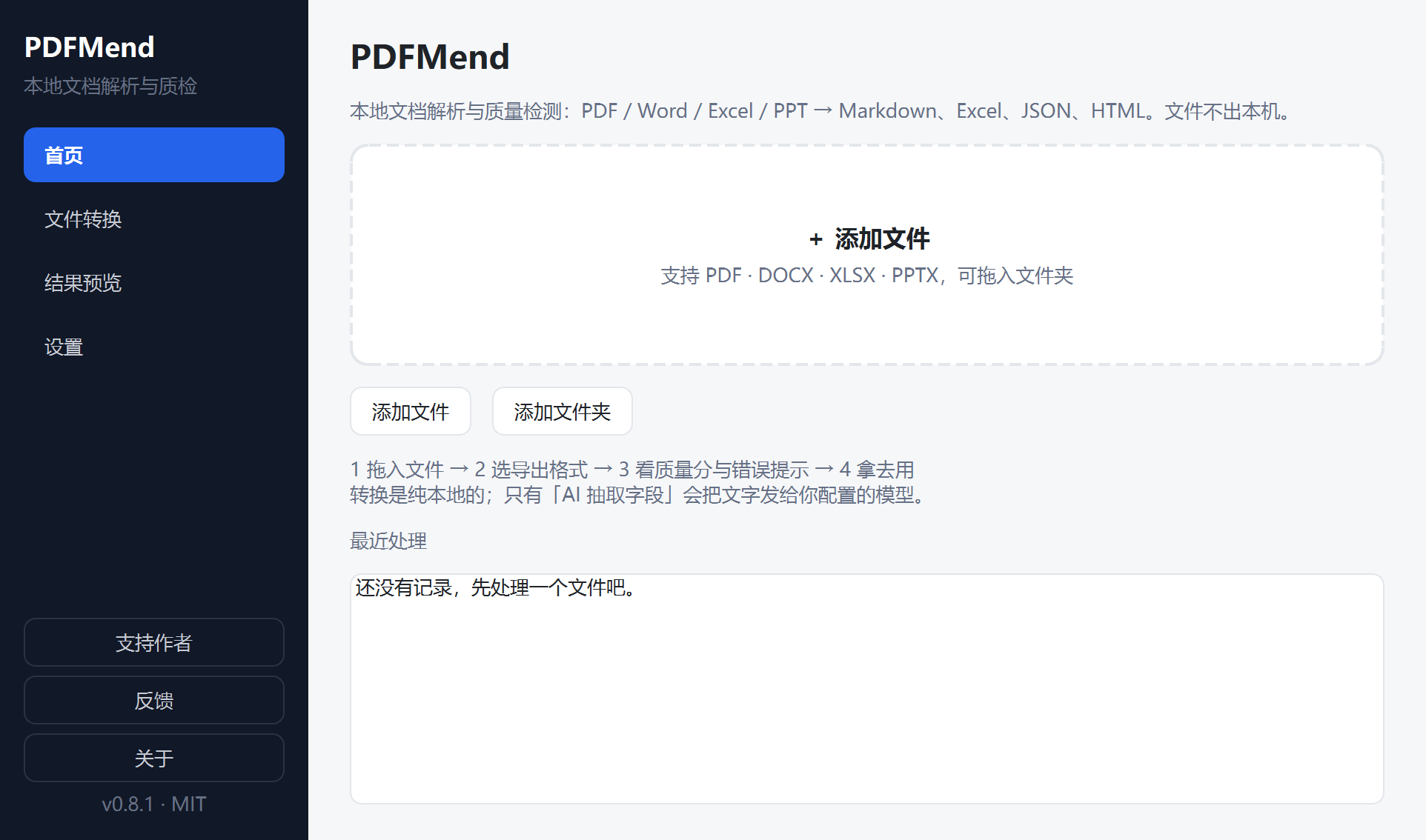
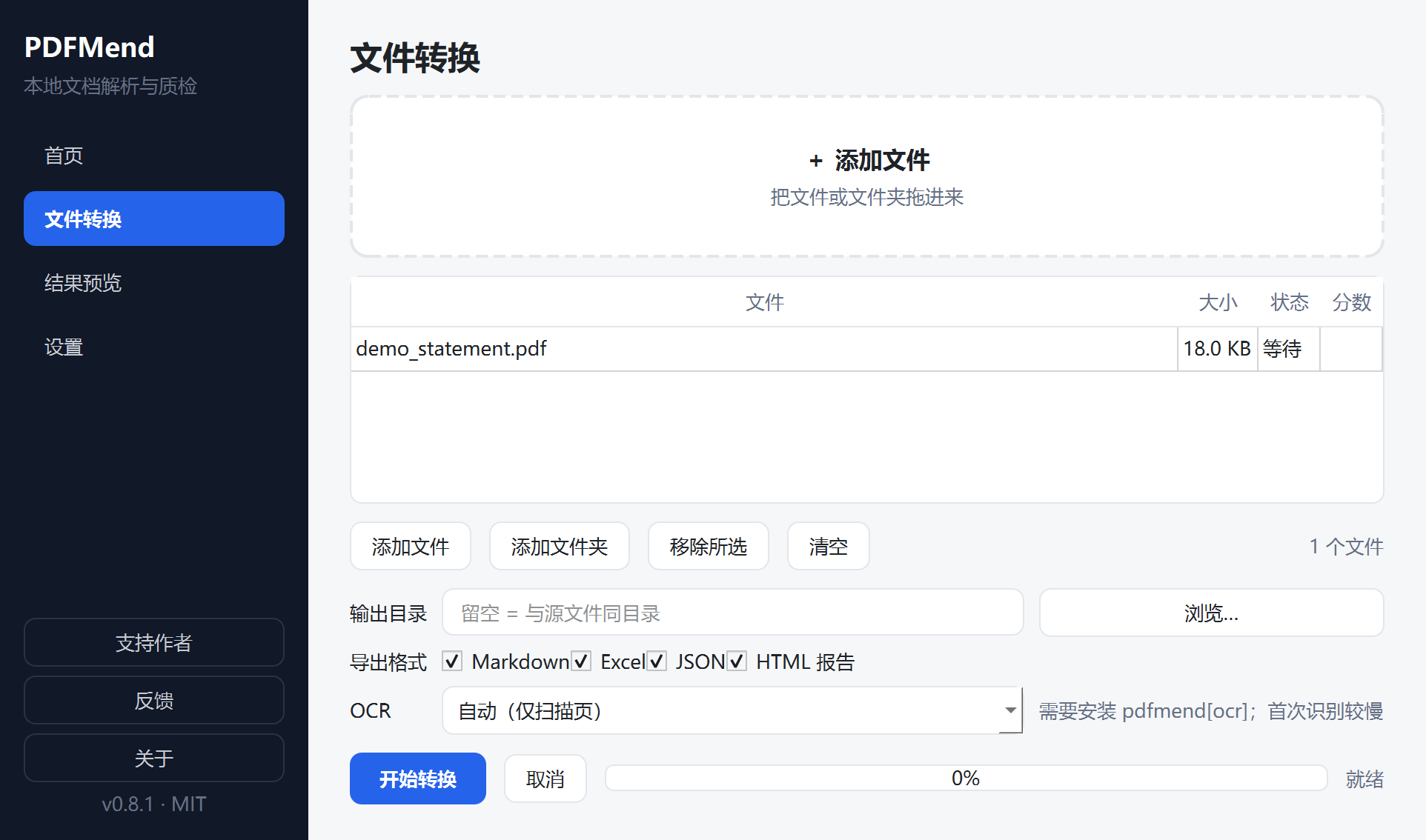
Drop files → pick the export format → read the score and the warnings → use it. These are real 0.8.1 screenshots (click to zoom).
Windows 10 / 11 x64
The installer adds Start-menu and desktop shortcuts and uninstalls cleanly; the portable build just unzips. Both packages contain the same app, hosted on GitHub Releases under v0.8.1 — the links are safe to forward.
Installer · recommended
Double-click to install, shortcuts created automatically; uninstall from Settings → Apps. Opens right after install, no admin rights needed.
Portable · ZIP
Unzip anywhere and run PDFMend.exe. Use this for a USB stick, a shared PC, or when you'd rather not touch the registry.
On first launch it creates a tmp/ folder for conversion history (local only); files are never uploaded unless you configure an AI model yourself and explicitly click "Extract fields".
A file that broke is worth more than a star
Something's off, a table came out misaligned, or you want a feature — just send an email. A redacted failure sample is the most useful thing you can give me; I use it to fix the extraction logic instead of guessing.
Helpful to include: the file type (PDF / scan / Word), the page that went wrong, and the table shape you expected. Please don't send ID cards or bank statements — a screenshot or a redacted sample is enough. Inside the app, "Feedback" in the sidebar and "About → Email feedback" open your mail client directly.
Issues and discussion are also on GitHub; the source code is public.

Found it useful?
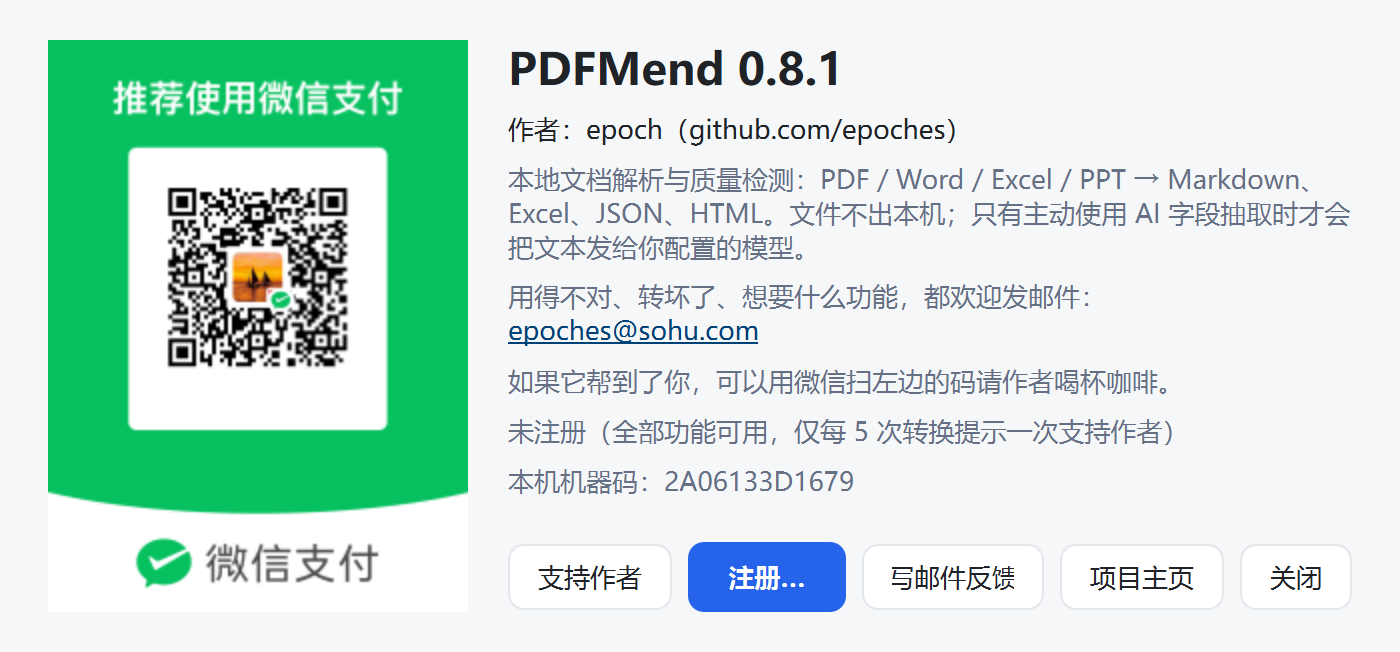
Scan with WeChat to buy the author a coffee.
No donation changes any feature.
The fine print, up front
These are the things it doesn't do. Knowing the limits beats one more feature.
Is it free? What's the registration code?
Free, MIT-licensed, source in the repository, and every feature is open to unregistered users. The code is just a thank-you for donating: an unregistered copy shows the donation QR every 5 conversions, a registered one doesn't. It is not DRM — two lines of code would bypass it, and the README says so.
Do you upload my files?
No. Conversion and scoring run entirely on your machine. The only networked feature is AI field extraction, which you trigger explicitly: it sends the text to a model you configure (DeepSeek / Qwen and similar; the key lives in the OS credential manager). Don't press it and the app never goes online.
Which formats are supported?
Input: PDF, DOCX, XLSX, PPTX. Output: Markdown, Excel, JSON, HTML (quality report). Legacy .doc / .xls are not supported, and it doesn't write back into PDFs or restore Word layout.
Can it convert scans / image-only PDFs?
The desktop standard build has no OCR. What it does is tell you plainly that page N has no text layer instead of pretending it worked. If you need OCR, install the CLI and add pip install "pdfmend[ocr]" (PaddleOCR, a large download — check its licence yourself).
How do I know whether this conversion is usable?
Read the score first: ≥85 use as-is, 60–85 spot-check, <60 review by hand. Then check three numbers: rows, columns, totals. If the totals don't add up, nothing else matters. Scanned pages, garbled text and suspected merged cells are listed separately in the report.
Does it run on Mac / Linux?
The CLI does: pip install pdfmend (Python 3.10+). Desktop installers are Windows 10/11 x64 only for now. The UI is PySide6, so you can package it yourself for another platform.